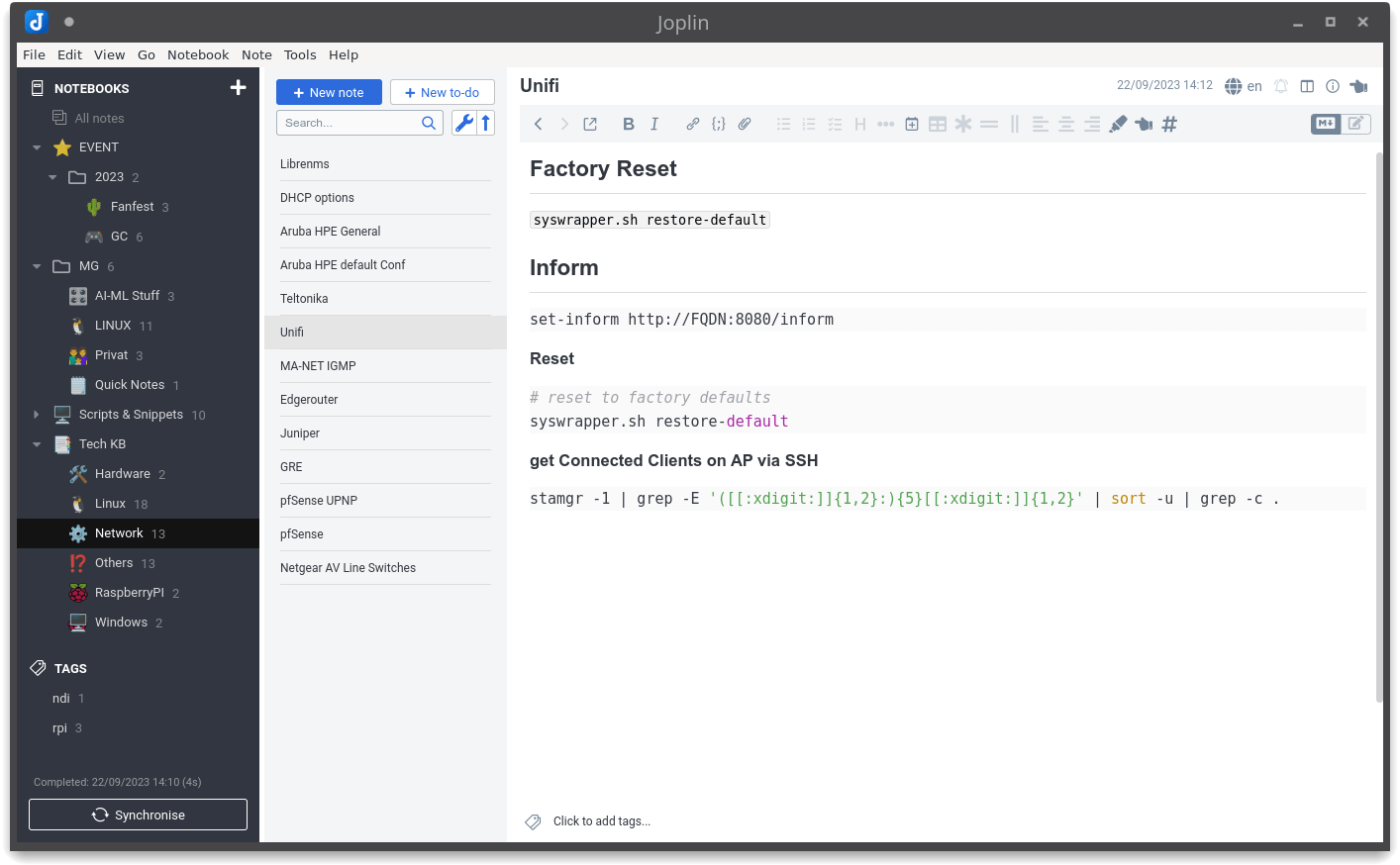
The Evolution of Sticky Notes: From Paper to Digital
Sticky notes have come a long way since their humble beginnings in the late 1960s, when 3M scientist Spencer Silver accidentally created a unique adhesive that allowed the notes to stick lightly to surfaces without leaving a residue. Originally designed for temporary reminders, these paper sticky notes quickly gained popularity in offices and homes, becoming a staple for organization and communication. The iconic bright yellow color and versatile sizes transformed the simple paper note into a powerful productivity tool, with people using them to jot down reminders, brainstorm ideas, and enhance their workflow.
With the advent of technology, the evolution of sticky notes took another leap as digital platforms emerged. Today, digital sticky notes can be found in various applications and software, allowing users to create, share, and organize their notes effortlessly. These virtual sticky notes mimic their physical counterparts, providing customizable features such as color coding, reminders, and the ability to sync across devices. As remote work and collaboration tools gain traction, the digital version of sticky notes has become essential for maintaining productivity in increasingly digital workspaces.
Top 5 Digital Sticky Note Apps You Need to Try
If you’re looking for a way to organize your thoughts and boost your productivity, digital sticky note apps can be a game changer. These tools not only help you jot down ideas quickly, but they also allow you to categorize and prioritize them effectively. Here are the Top 5 Digital Sticky Note Apps you need to try:
- Microsoft OneNote: This versatile application integrates seamlessly with other Microsoft products, making it ideal for users within the Microsoft ecosystem.
- Google Keep: Perfect for those who want to access their notes across multiple devices, Google Keep offers a simple, user-friendly interface.
- Evernote: Known for its advanced organizing features, Evernote allows users to create checklists, attach files, and even collaborate with others in real-time.
- Trello: While primarily a project management tool, Trello’s card system can effectively serve as digital sticky notes, helping teams visualize their tasks.
- Todoist: More than just a task manager, Todoist offers a clean interface for sticky notes that can be used to brainstorm and track progress.
How to Organize Your Digital Life with Sticky Notes
In our fast-paced digital world, maintaining organization can often feel overwhelming. One of the simplest yet most effective tools to organize your digital life is the use of sticky notes. These versatile little notes can help you track tasks, set reminders, and jot down important ideas. To get started, consider creating a dedicated digital sticky note application on your device or utilizing the sticky notes feature in popular productivity tools. This way, you can quickly access and manage your notes without cluttering your workspace. Begin by prioritizing your tasks, and write them down on your sticky notes, categorizing them into urgent, important, and low priority items.
Another excellent way to leverage sticky notes is by color-coding them for effective visual organization. For example, you can use yellow for reminders, green for ideas, red for urgent tasks, and blue for follow-ups. This visual system not only makes it easier to identify the nature of each note at a glance, but it also adds a splash of color to your digital workspace, making it more inviting. Additionally, remember to regularly review and clear out your sticky notes to prevent them from becoming cluttered and ineffective. By effectively using sticky notes, you can streamline your workflow and regain control over your digital life.